Formula-driven KPIs
Total tasks, completed tasks, needs-attention tasks, upcoming due dates, and completion rate update from the Tasks sheet.
Asana Exporter · Free template
Download a polished workbook with formula-driven task, completion, risk, due-date, and project summaries—plus an editable Tasks table and setup guide.
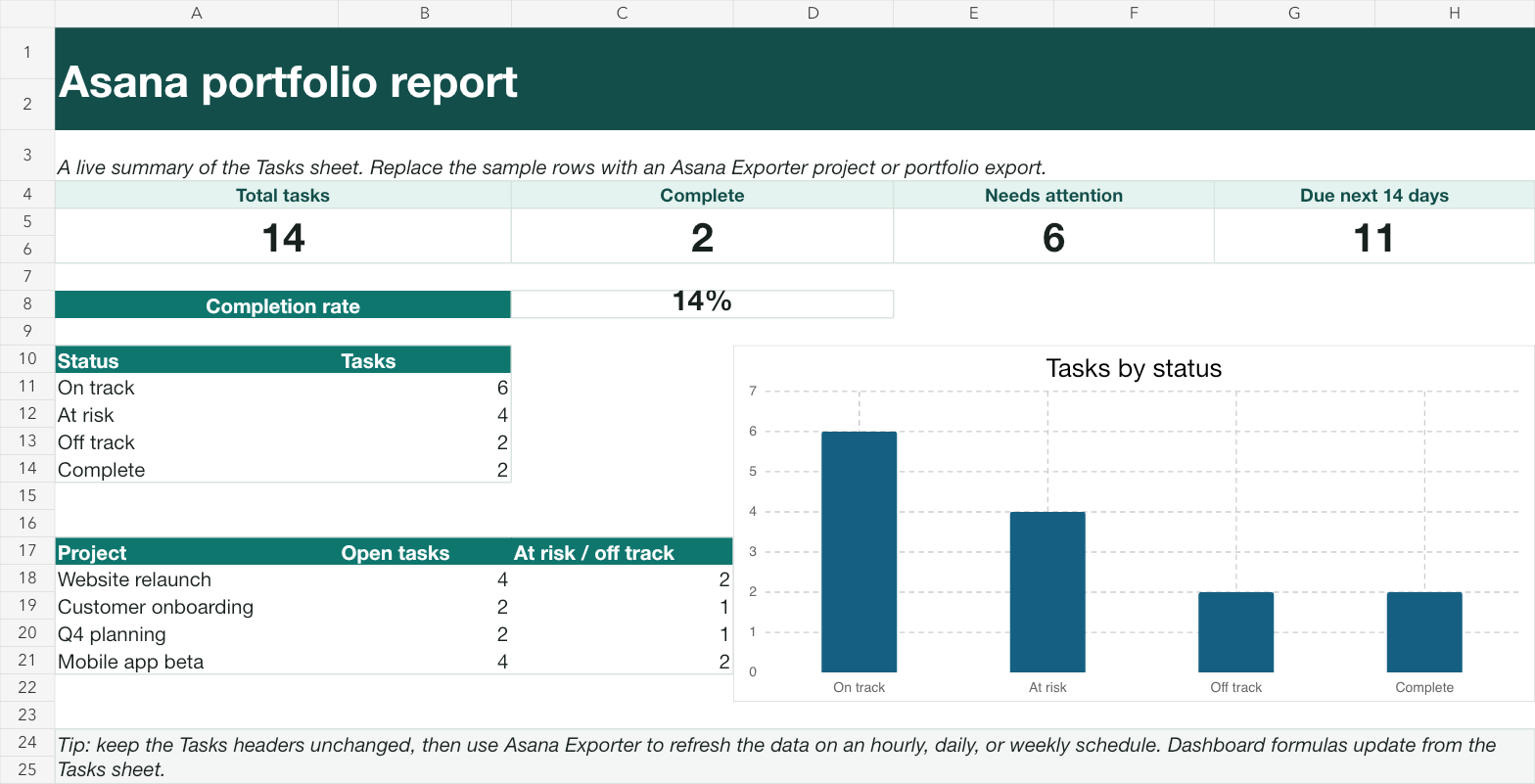
Total tasks, completed tasks, needs-attention tasks, upcoming due dates, and completion rate update from the Tasks sheet.
See task counts by reporting status and open or at-risk work for each sample project.
A workbook chart reads its values from the formula-backed status summary, so edits remain traceable.
Real dates and checkboxes, filtered headings, status and priority dropdowns, and conditional formatting for risk.
A dedicated sheet shows how Asana export fields map to every report column.
Use the .xlsx in Excel or import it into Google Sheets, then replace the illustrative rows with your own export.
Use Asana Exporter to pull one project or every project in a portfolio into Google Sheets.
Keep the template headings and paste or map task name, project, assignee, due date, completion, section, priority, status, and tags.
Save the export and choose manual, hourly, daily, or weekly refresh so the reporting source stays current.
The workbook is local. Asana Exporter runs inside Google Apps Script; Cody Labs operates no server that receives your project data.
The workbook includes realistic illustrative tasks so you can inspect every KPI, status rule, and chart before replacing the data.
Download Asana portfolio report template